Print labels from BackOffice
- Log in to BackOffice.
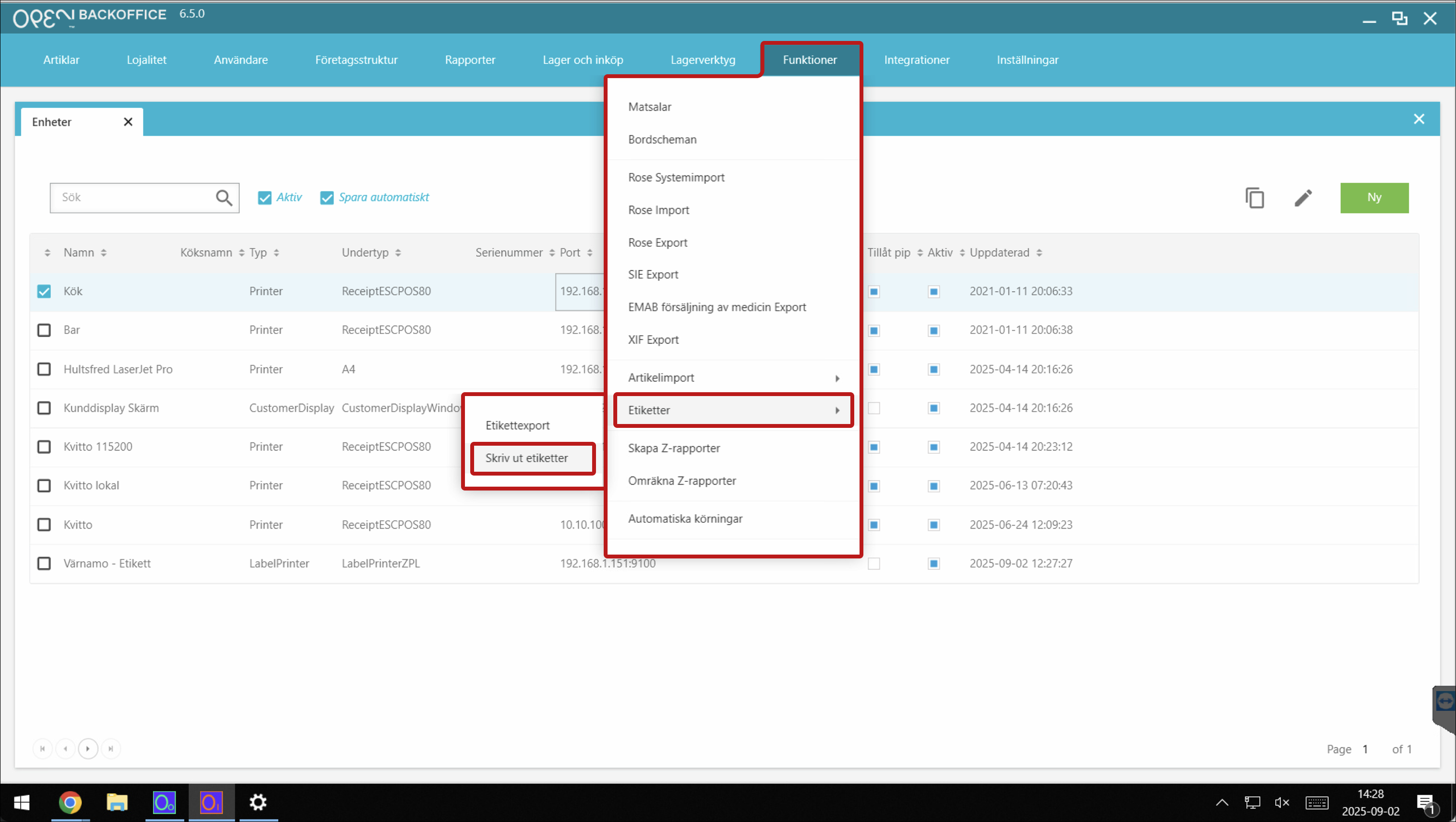
- Go to Functions > Labels > Print labels.
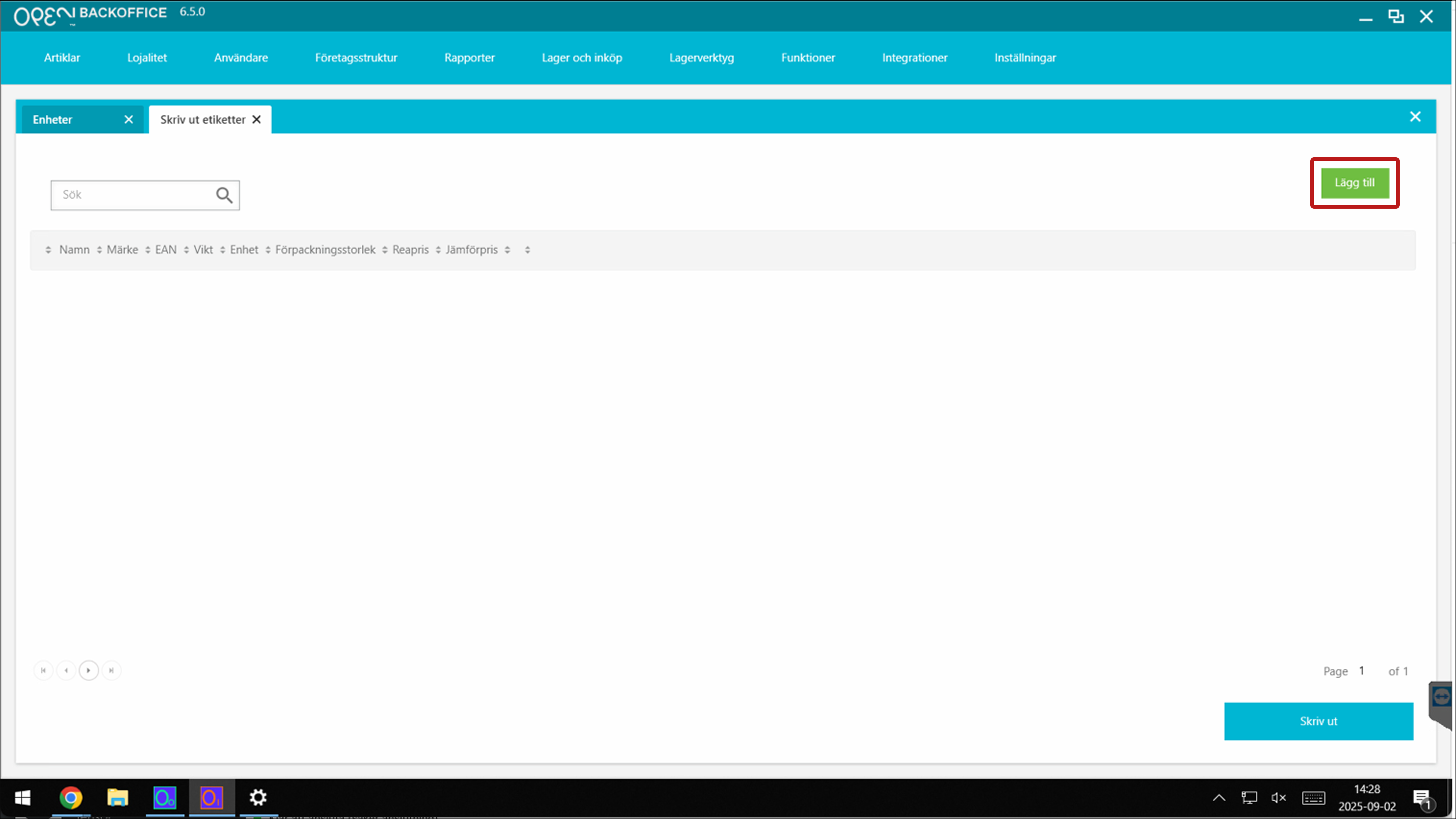
- Click Add.
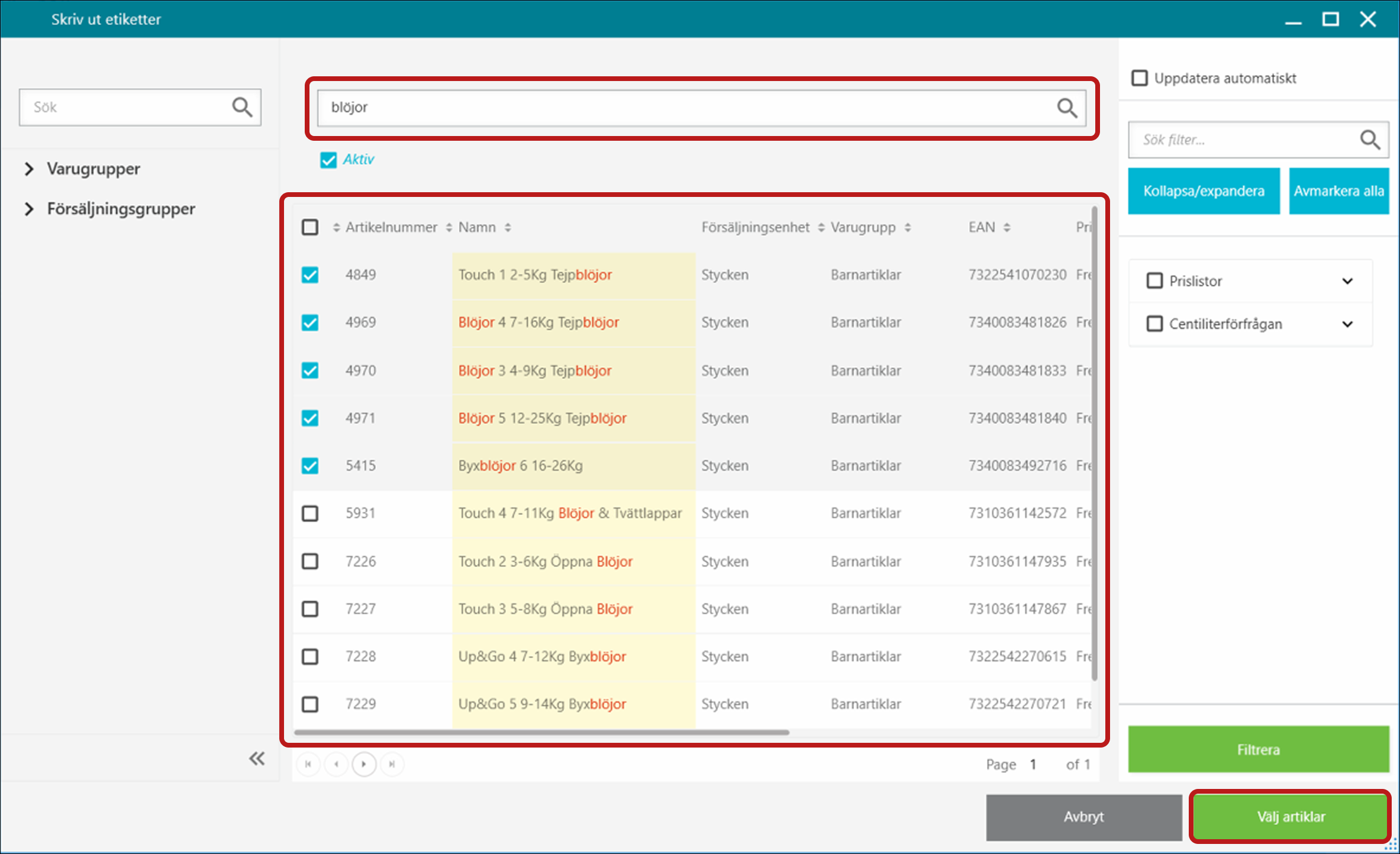
- In the popup that opens:
- Search and select the articles you want to print labels for.
- Click Select articles.
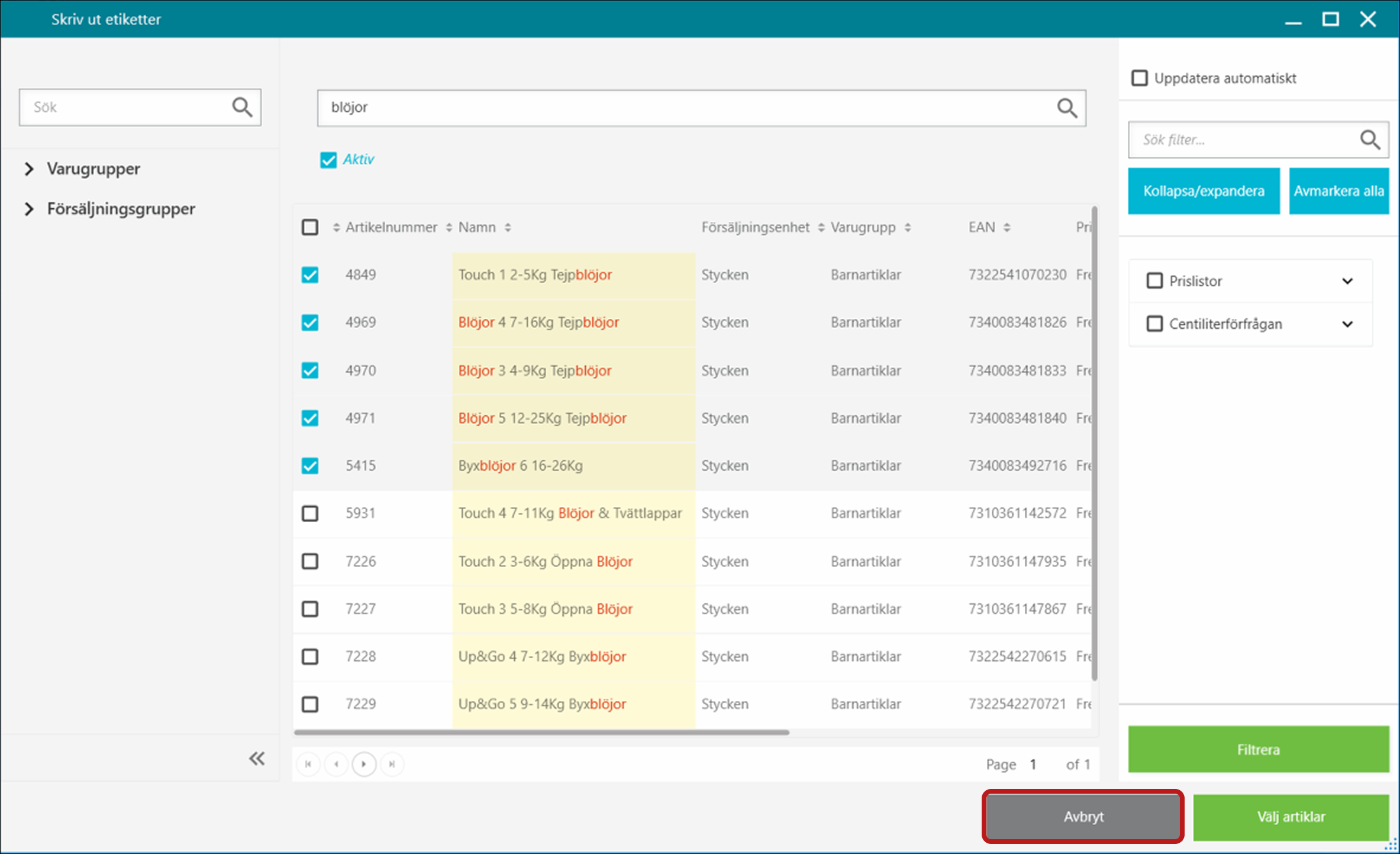
- Click Cancel to close the popup.
- Click Print.
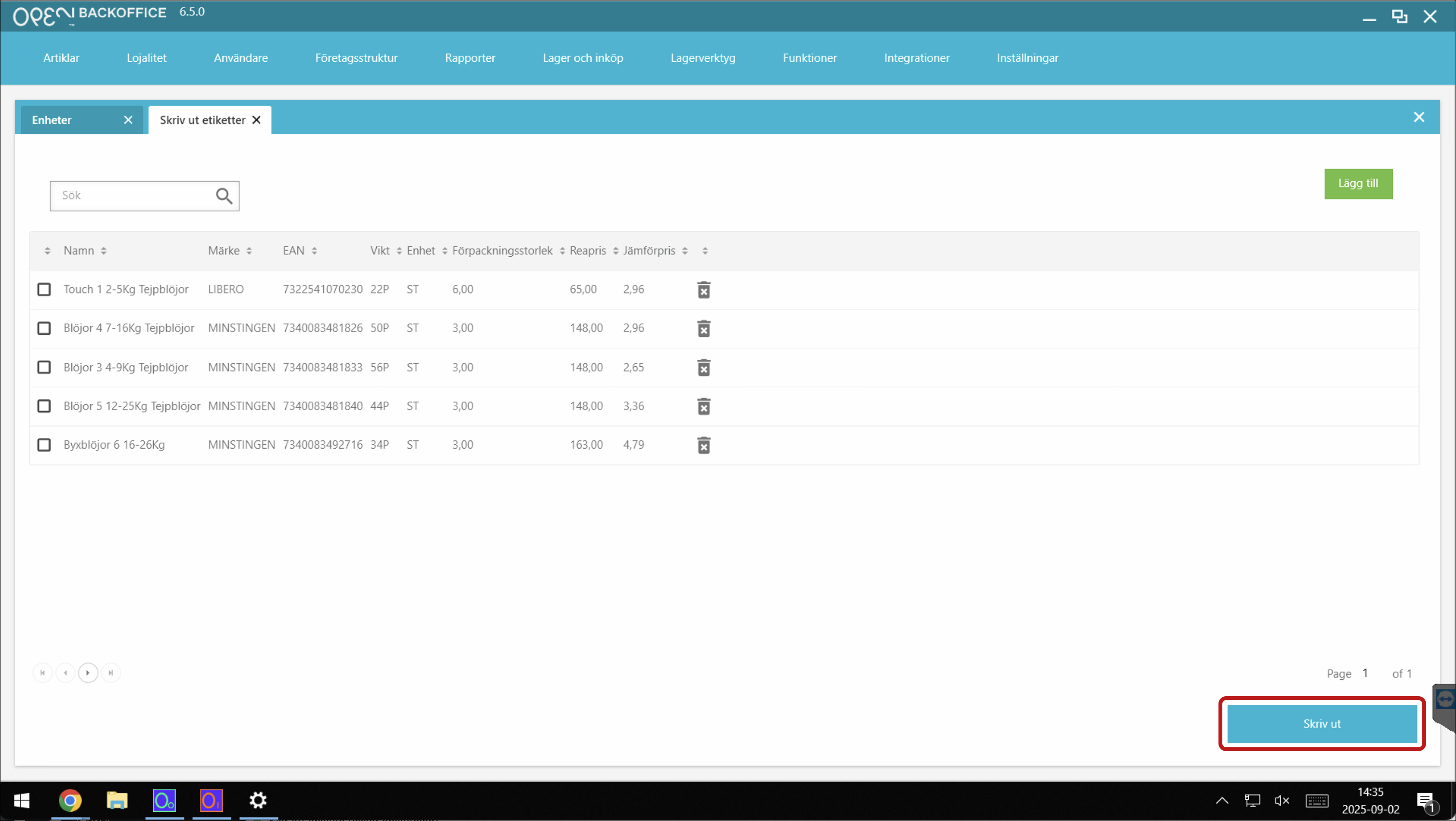
- In the popup that opens:
- Make sure the following settings are selected:
- Size: Stor
- Printer: Etikettskrivare
- Label printer: select your label printer.
- Then click Skriv ut.
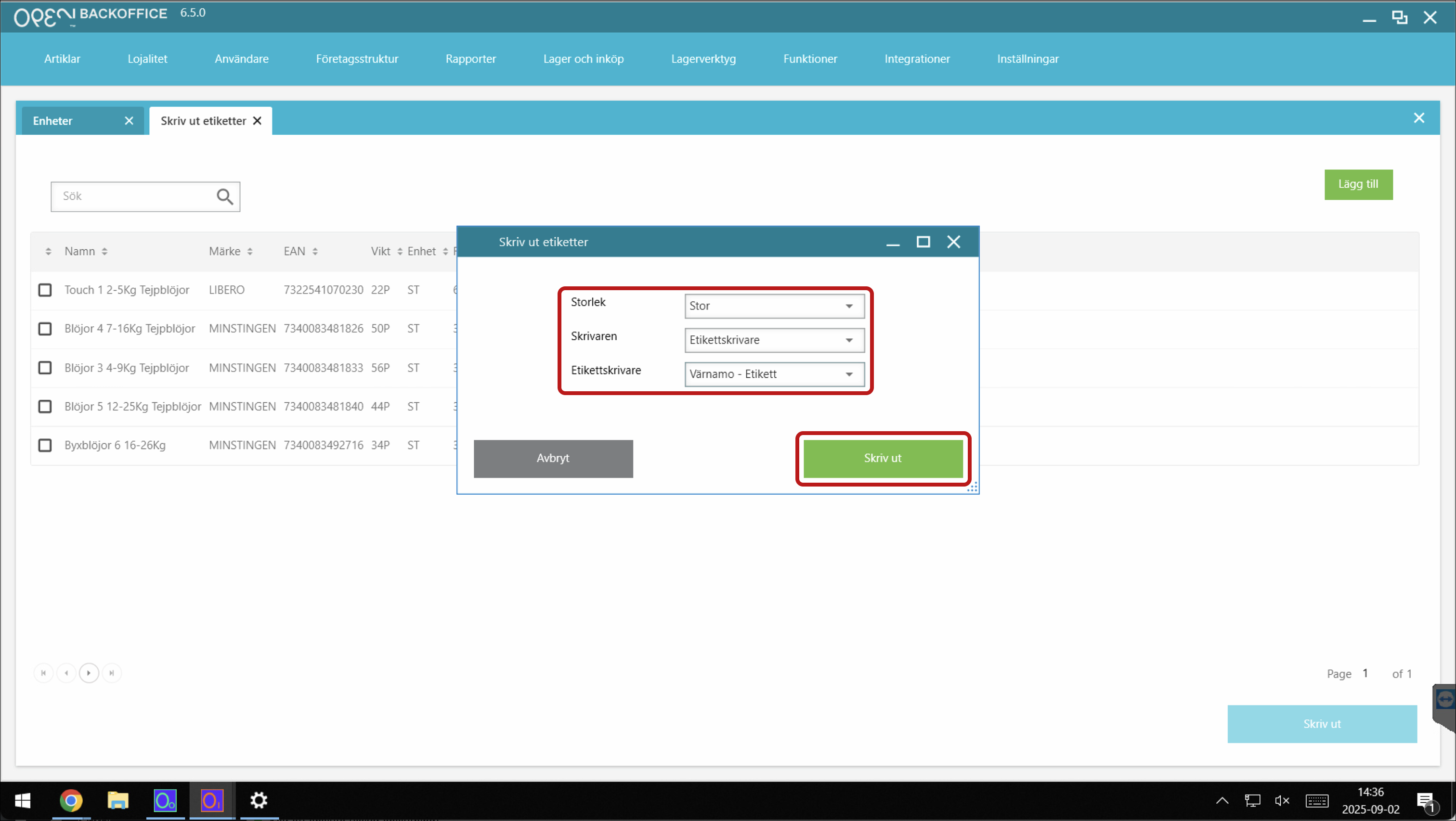
- Make sure the following settings are selected:


