Lane 3000 - Stationary terminal
The Lane 5000 card terminal is easily integrated with your OPEN Two POS system and is well suited for businesses that take payment at a cash counter. Lane 3000 facilitates management as the payment terminal is controlled from the cash register.

Installation
Connect the network cable to the terminal.
Start by connecting the terminal to the network via your router or switch. Both your cash register and your terminal must be connected to the same network.
Connect the power adapter to the terminal, and the terminal will start up automatically.
Connect the terminal to the cash register
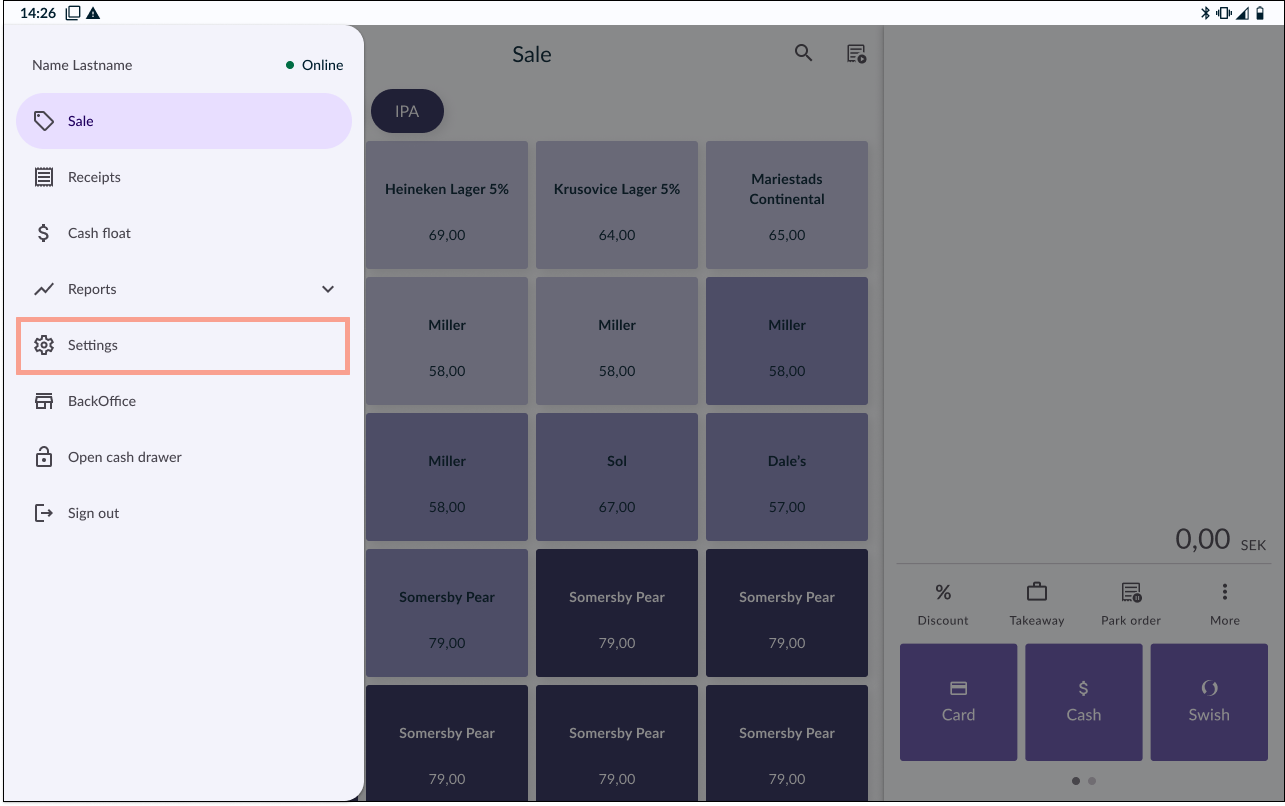
In your OPEN Two cash register device, ocog wheel the menu and go to SETTINGS.
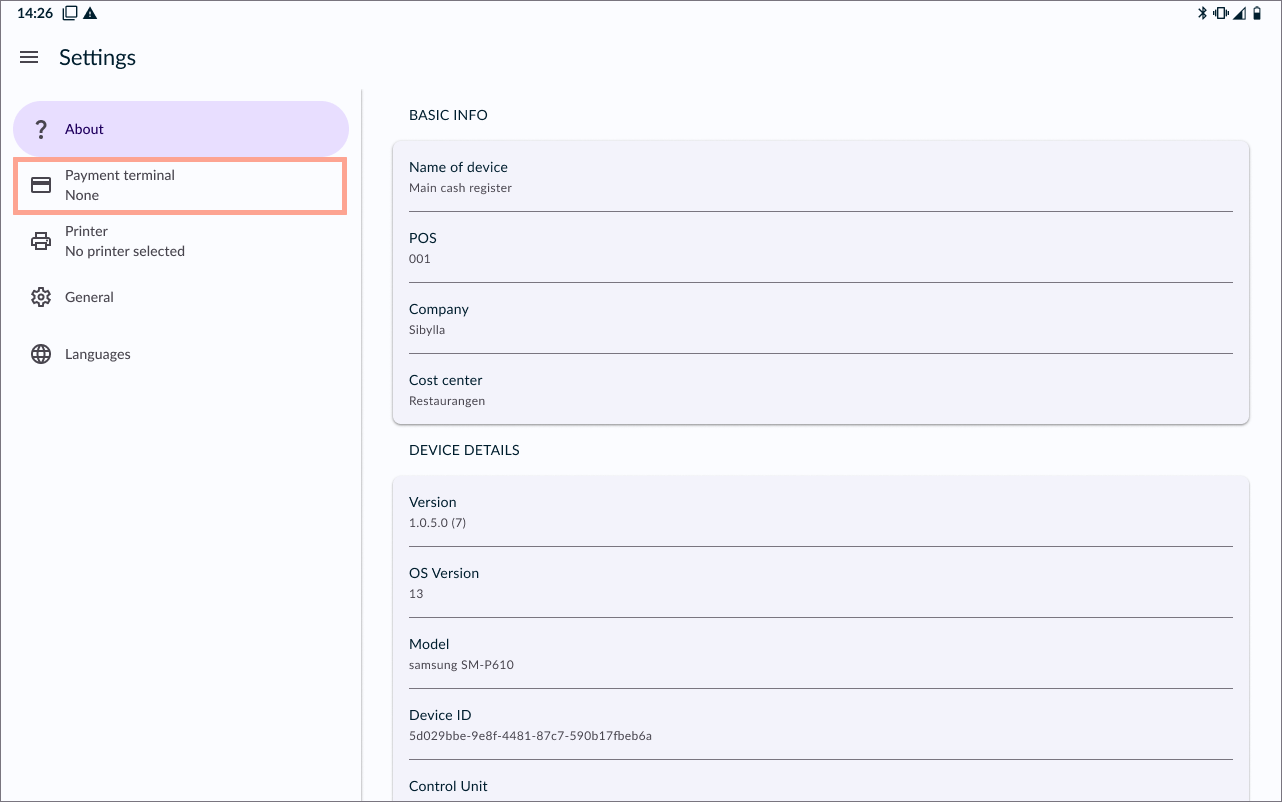
Go to PAYMENT TERMINAL.
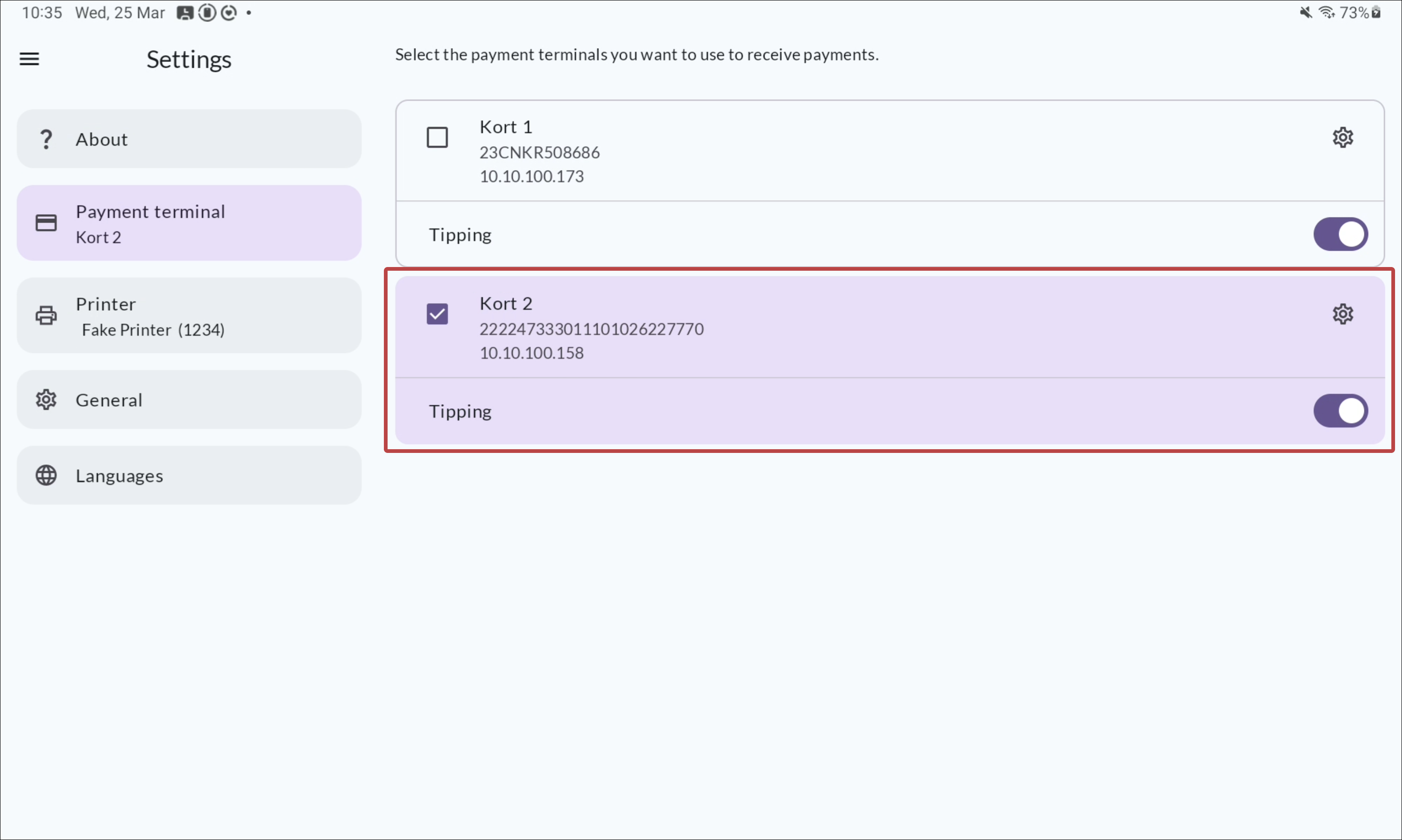
Select your payment terminal from the list.
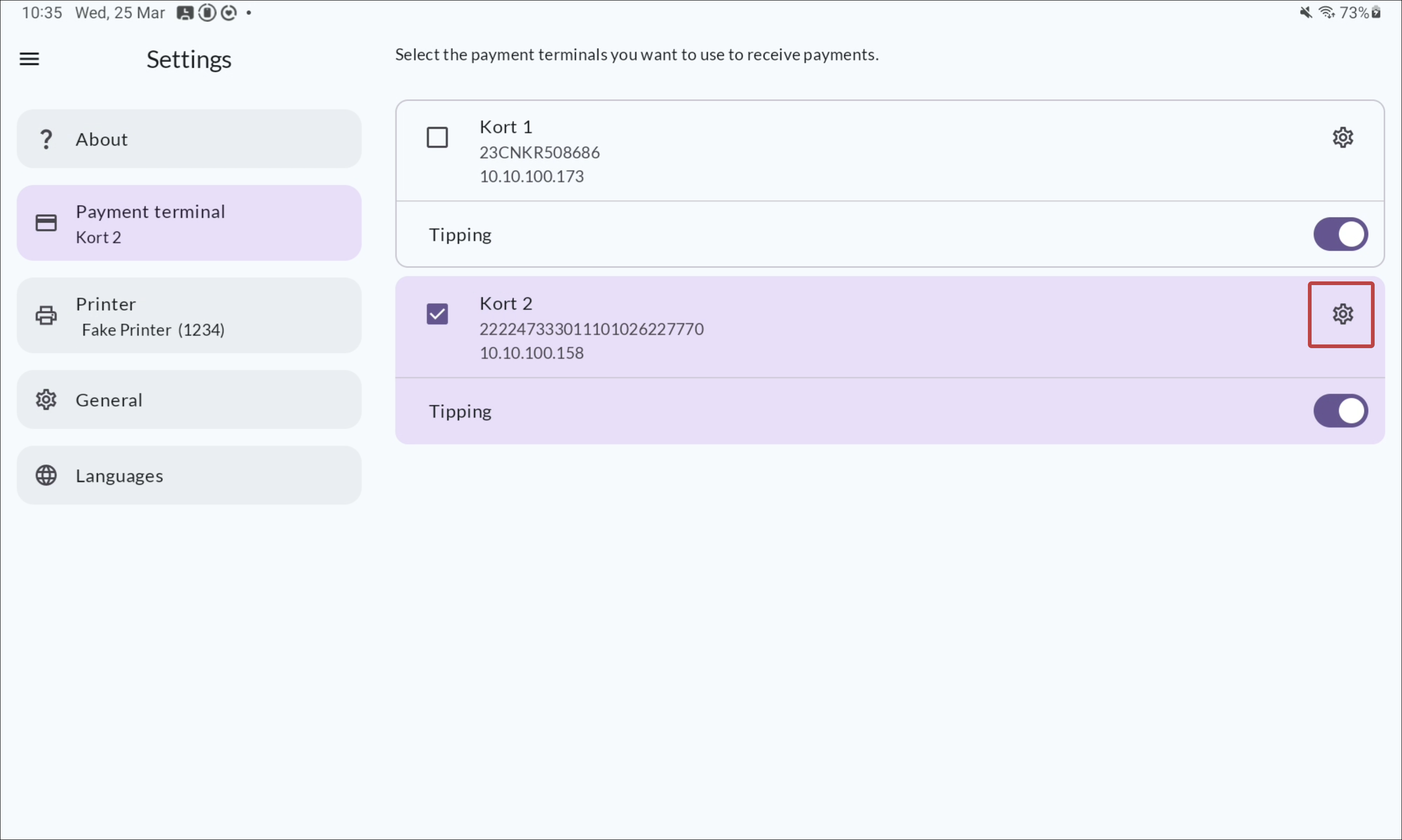
Optional: change the payment terminal name by clicking the cog wheel icon.